Built around the application
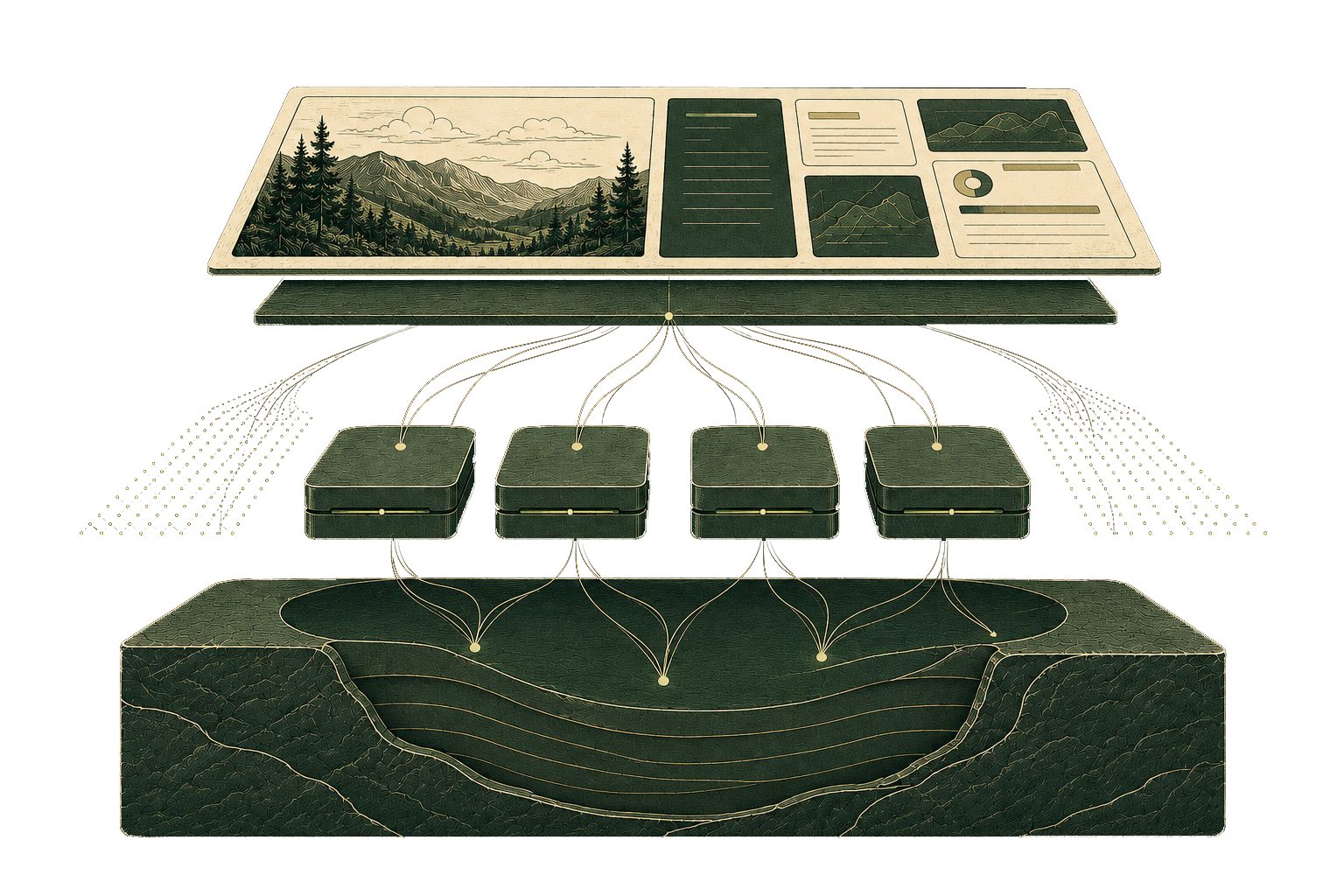
Ymir maps the application’s databases, caches, storage, queues, schedules, domains, and environments onto AWS as one deployment workflow.
Serverless WordPress & PHP applications on AWS
Deploy WordPress, WooCommerce, and Laravel applications on serverless infrastructure in an AWS account you control. Ymir provisions and manages the AWS services underneath.
Custom implementation and team training
40Q / OPEN HOUSE NEW YORK
Open House New York releases tickets for its annual event during one short, intense traffic spike.
40Q used Ymir to run the site on serverless AWS. The infrastructure scaled up for the ticket release and back down afterward.
When ticket sales opened, the team watched the event instead of fighting overloaded servers.
Note: illustrative scaling pattern

“We had both teams standing by for the ticket release. The site stayed fast through the traffic spike, without the emergency troubleshooting we’d prepared for.”
THE CONTROL SURFACE
Ymir brings a Vercel-style deployment experience to PHP applications, but the infrastructure stays in an AWS account you control.
Your developers maintain the application code, dependencies, and configuration.

Ymir maps the application’s databases, caches, storage, queues, schedules, domains, and environments onto AWS as one deployment workflow.
Application requests run on AWS Lambda, so web capacity can grow and shrink with demand instead of being tied to a fixed server.
The infrastructure runs in an AWS account controlled by you or your client. AWS bills the account directly, with no Ymir markup.
STANDARD OPERATING PROCEDURE
Grant Ymir access to an account controlled by you or your client.
Define its environments, database, cache, storage, queues, schedules, and domains.
Ymir packages the application, updates its AWS resources, and deploys the release.
Future releases follow the same workflow while Ymir keeps the infrastructure in sync.
ymir deploy productionApplication configuration ymir.yml is valid
Building ymir-app for production
› Copying application files
› Packaging the application
Application build complete
Deploying ymir-app to production
› Applying production settings
› Updating AWS Lambda functions
› Configuring file storage
› Configuring background queues
› Updating domains and HTTPS
› Activating the new releaseApplication deployed successfullyDeploy through the Ymir CLI or your existing CI pipeline.
Use the same workflow across environments and future releases.
Let AWS add web capacity when demand arrives and release it when it passes.
A successful campaign should not force another server migration.
No web servers to patch or resize.
Immutable releases and managed AWS services reduce recovery work and the late-night emergencies that come with traditional servers.
ONE DEPLOYMENT WORKFLOW
Ymir handles the WordPress-specific infrastructure behind uploads, scheduled tasks, persistent storage, caching, and deployments.
Deploy your Laravel application to AWS Lambda through the same workflow you use for WordPress.
Working with Drupal, Statamic, or another PHP application? Tell us what you’re running. Let’s discuss what adding Ymir support would involve.
Discuss your application →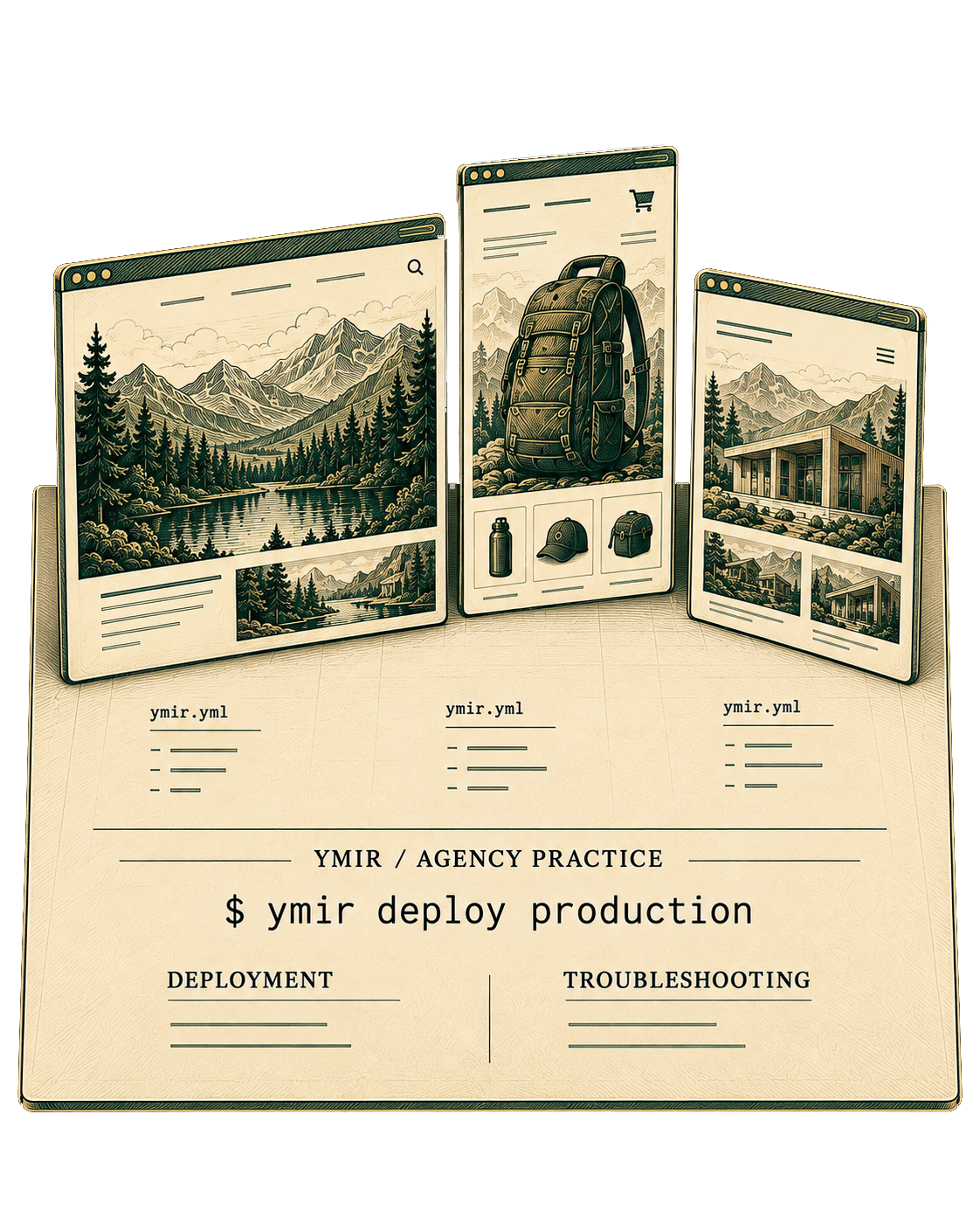
Ymir for Agencies
Ymir for Agencies combines the platform with custom implementation and team training.
We’ll deploy one real client application with your developers, document how your team will deploy and troubleshoot it, and leave them with a process they can reuse.
See Ymir for AgenciesQuestions about Ymir for Agencies? Email agencies@ymirapp.com